Nightclub POS
Nightclub POS: fast drinks, VIP tables and no excuses at closing
A nightclub does most of its revenue in a few hours, in the dark, with loud music and a crowd at the bar. Your POS has to be fast, simple and impossible to cheat.
30-day free trial · No credit card · Works without internet
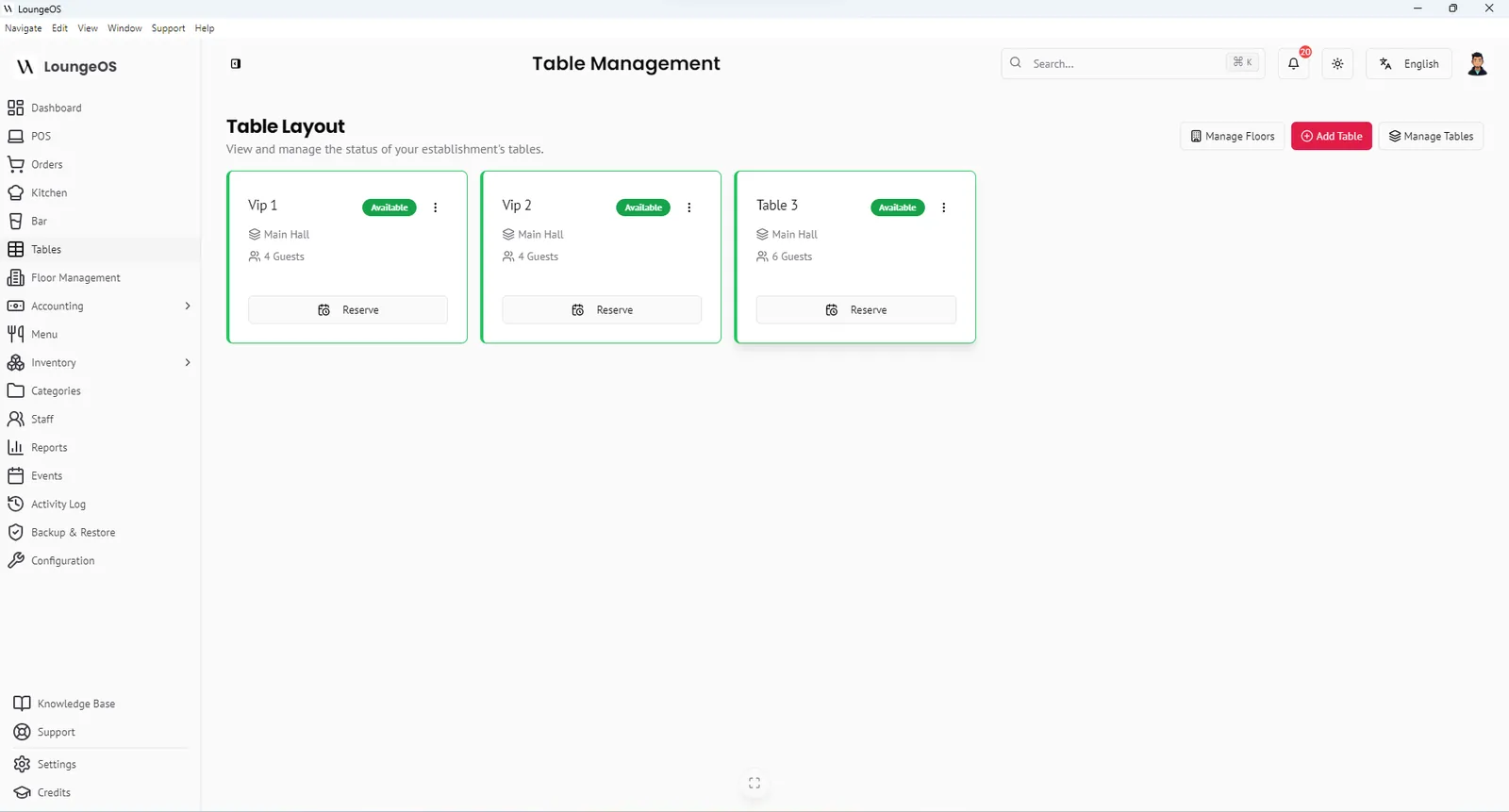
A nightclub POS system must take a drink order in seconds, handle expensive bottle service at VIP tables and give the owner an exact picture of the night’s cash and stock the next morning. LoungeOS does this on hardware you already have, with no internet required.
Speed at peak hours
- Waiters order on their phones at the table and the drinks appear instantly on the bar display. Nobody has to queue at the bar to shout orders.
- Photo tiles and search make the right bottle easy to find in a dark room.
- Ready alerts tell the waiter when to collect from the bar.
- Unlimited devices: add another phone or bar screen without paying more.
VIP tables and bottle service
Create a VIP floor with its own tables and assign your VIP waiters to it. Bottle orders are attributed to the waiter and the table, and every bottle is a stock item with a cost price. Removing a bottle from an order requires a manager.
Cash control after midnight
Clubs are cash-heavy, so LoungeOS focuses on making cash leaks visible:
| Risk | Control in LoungeOS |
|---|---|
| Staff using someone else’s login | Personal accounts, auto-logout after 2 hours inactive |
| Drinks cancelled after cash was taken | Cancellations need a reason. Manager needed to remove items |
| Fake mobile money payments | MoMo and Orange Money references recorded for every payment |
| Bottles disappearing | Stock out must be recorded as damage, waste or loss with a name |
| “It was busy, I don’t know” | Activity log with every action, searchable by user and time |
The staff performance view shows orders, revenue and efficiency per person, so you can reward your best people and spot unusual patterns.
Built for unreliable nights
Generators kick in, ISPs drop out, phone networks get congested when the club is full. LoungeOS runs on your local Wi-Fi network, so none of that stops orders or payments. See offline POS.
Frequently asked questions
Can a nightclub with several bars use LoungeOS?
Yes. The bar display can be opened on several screens. For complex layouts with several independent bars, contact us to plan the setup. The Enterprise plan includes on-site installation.
Can I run events and promotions?
Yes. Use the Events module to plan nights and discount rules for promotions such as happy hour. Only configured discounts can be applied.
How many staff accounts can I create?
As many as you need. Each staff member should have their own login so every order and cancellation is attributable.
Do I need special hardware for a club?
No. Staff phones, a tablet or screen behind the bar, a Windows computer as host and a good Wi-Fi router are enough. Put the host and router on a UPS.
Run your next service on LoungeOS
Install LoungeOS on a Windows computer, connect your tablets and phones over Wi-Fi, and run real service for 30 days. Free, no credit card.
Explore more
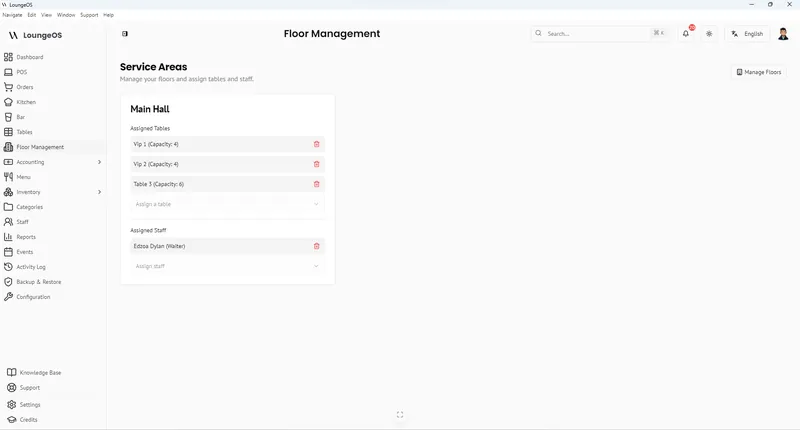
How to manage a lounge or nightclub
VIP tables, bottle service, events, staff and late-night cash control.
Read guide →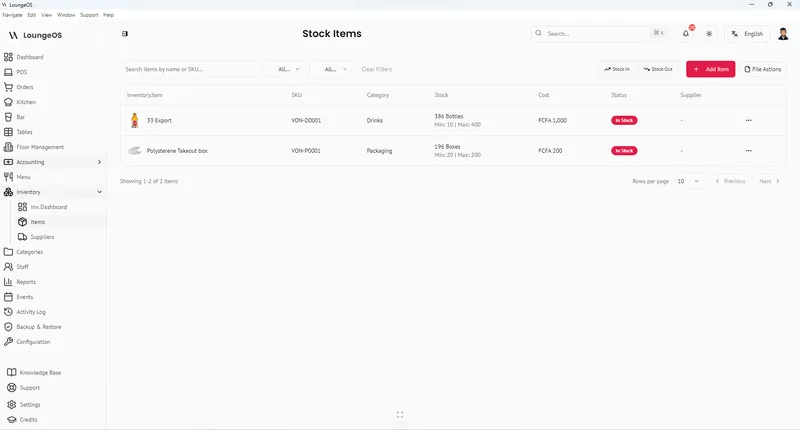
Bar inventory shrinkage and pour cost
Formulas, benchmarks and a weekly count routine to find and stop bar losses.
Read guide →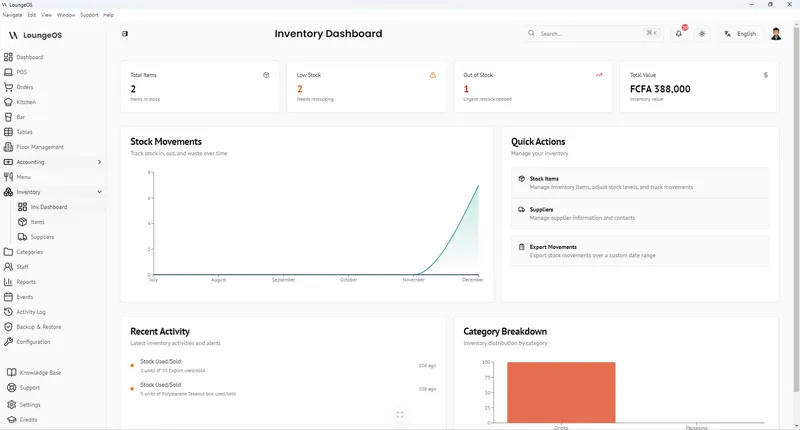
Bar POS
Fast drink ordering, a bar display screen, bottle-level stock and controlled discounts.
Learn more →