Inventory Management
Inventory management that shows where your stock actually goes
Know what you have, what it cost, what was sold and what disappeared. LoungeOS tracks every bottle, crate and takeaway box from delivery to sale, and records every loss.
30-day free trial · No credit card · Works without internet
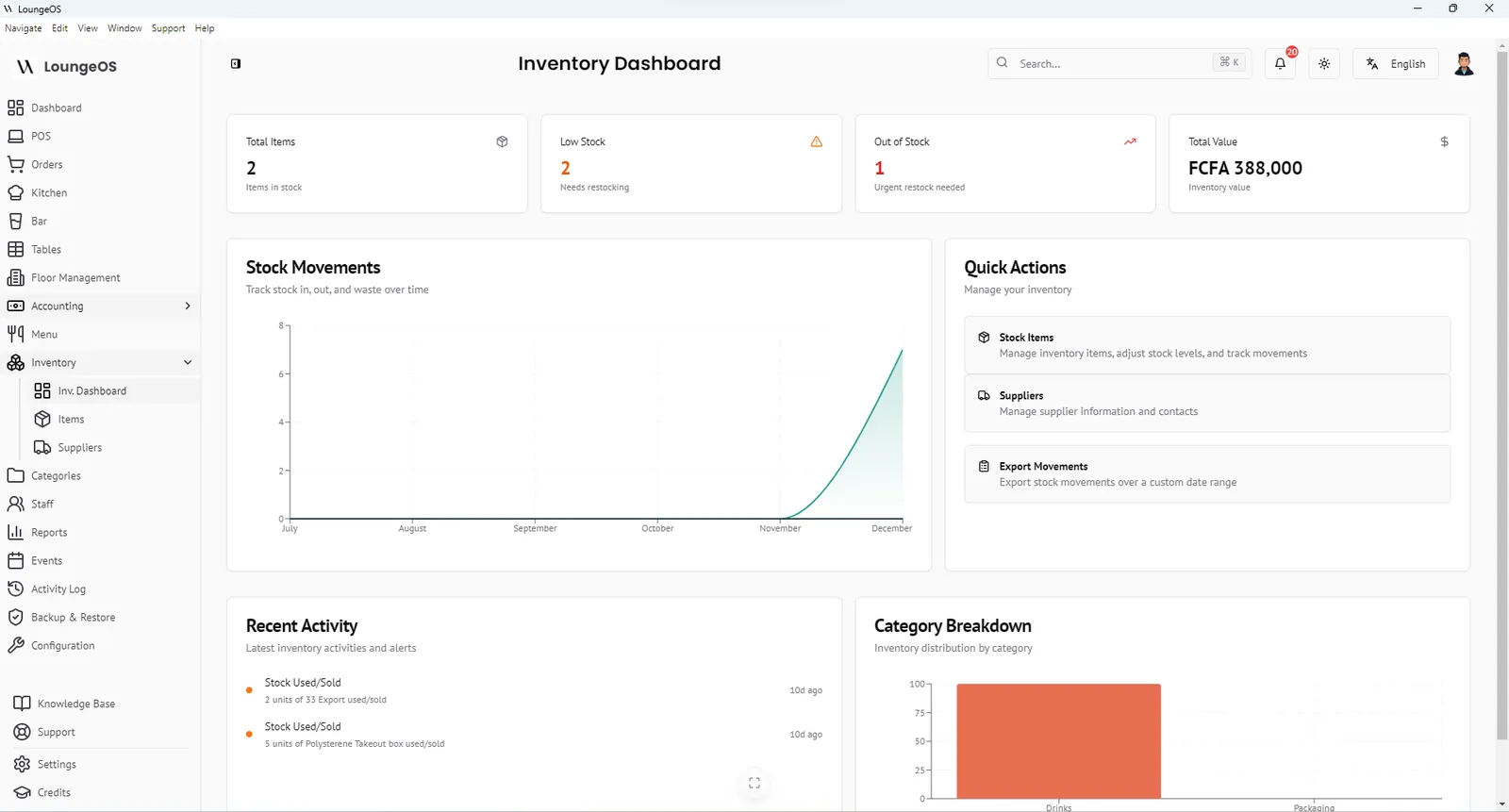
Restaurant inventory management means knowing at any moment how much stock you have, what it is worth and where the difference went when the count does not match. LoungeOS combines a stock register, supplier directory and movement ledger with your point of sale. Sales and losses are both recorded in the same place.
What you can track
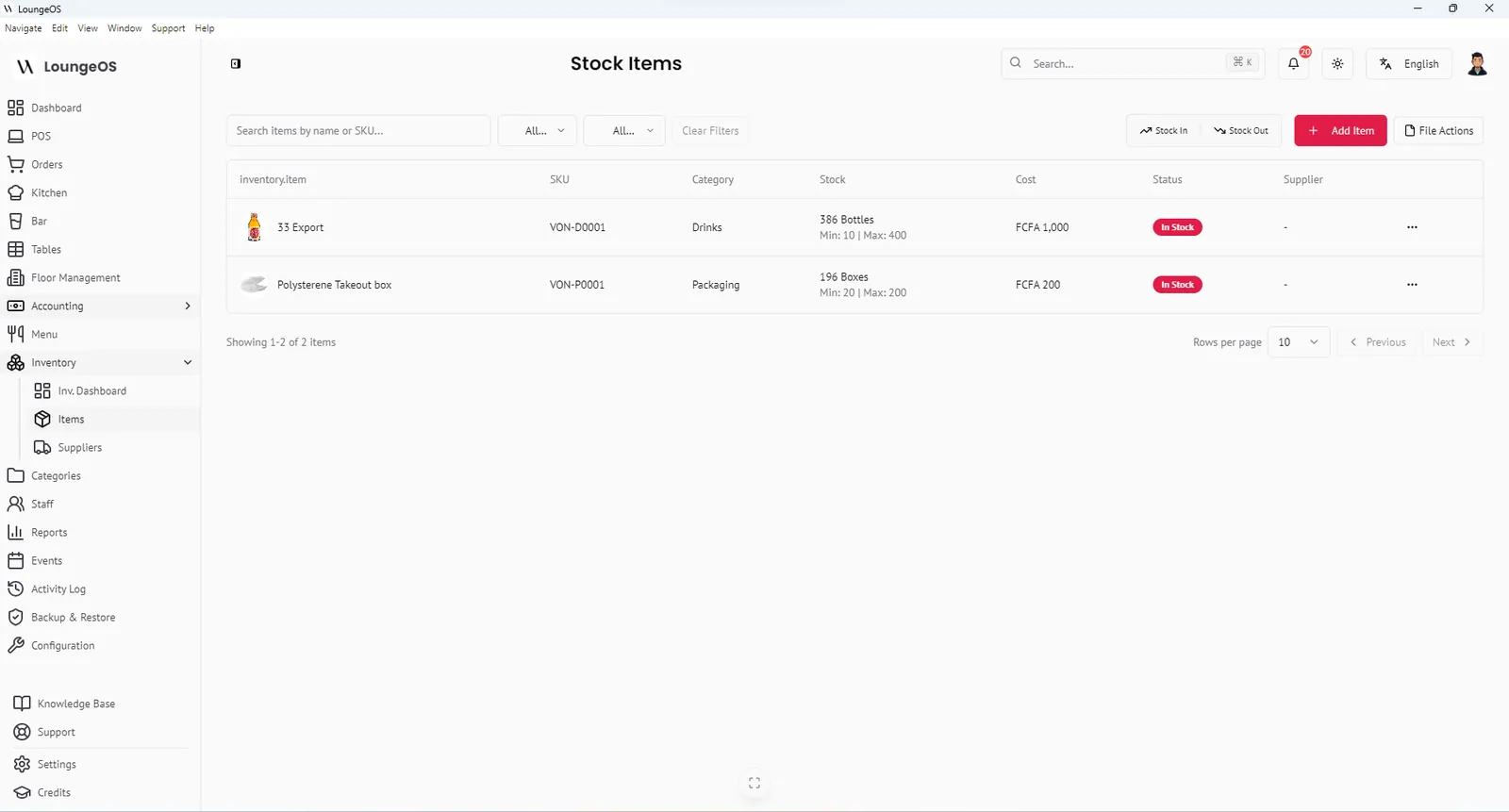
Each stock item in LoungeOS has:
- SKU (enter your own or let LoungeOS generate one)
- Name and description, for example Heineken bottle 33 cl
- Category, such as Beverages, Spirits or Containers
- Unit of measurement: bottles, crates, litres, kilograms or boxes
- Current stock level from your physical count
- Minimum and maximum levels. Falling below the minimum triggers a low-stock alert.
- Cost per unit, the price you pay your supplier
- Supplier, linked to your supplier directory
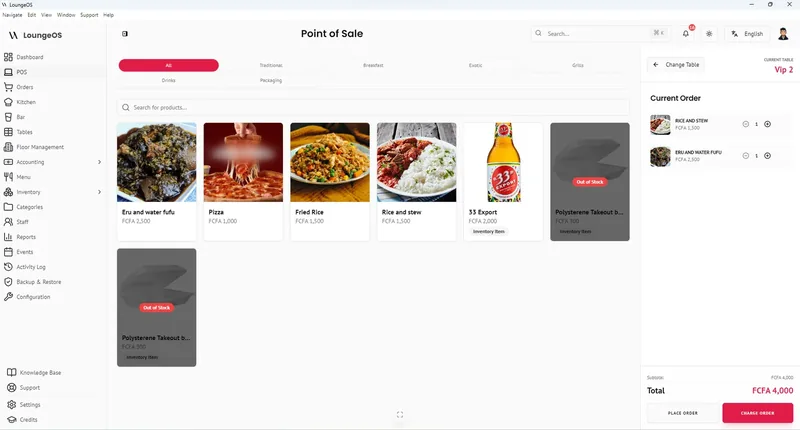
Menu items also carry an available quantity. When it reaches zero the item shows as Out of stock on the POS grid and cannot be ordered. No more promising a dish the kitchen has run out of.
Every movement has a type and a trace
Stock does not only leave through sales. LoungeOS makes you record why stock changed:
| Movement | When to use it | Effect |
|---|---|---|
| Stock in | Supplier delivery | Adds quantity at the unit cost you paid |
| Stock out: damage, waste or loss | Broken bottle, spoiled food, theft | Removes quantity and records the cost as an expense |
| Cost correction | Supplier changed price | Fixes cost without changing quantity |
Each movement is saved in the stock ledger with date, user and reason. You can select several items and move them at once (bulk move), and export the movement ledger for any date range to PDF or CSV, with your logo.
The inventory dashboard
Open Inventory to see:
- Total stock value: quantity on hand × unit cost
- Low-stock warnings: items below their minimum
- Out-of-stock list: shown as high-priority alerts
- Stock movement timeline: deliveries against sales, damage and losses over time
- Category breakdown: where your money is sitting
Suppliers in one place
Keep a supplier directory with business name, contact person, phone, email and location. Open any supplier to see the stock items you buy from them. When a low-stock alert fires you know exactly who to call.
Import your existing list in minutes
Already have your stock in Excel? Download the CSV template, paste your list and import it. LoungeOS checks the columns and creates missing categories automatically.
How inventory connects to accounting
Stock purchases and stock losses flow into the accounting module. When you sync accounting data, purchases are recorded against inventory and cost of goods sold, and damage and waste are recorded as expenses. Your profit and loss statement then reflects real losses, not just sales.
Frequently asked questions
Can LoungeOS stop staff from selling items that are out of stock?
Yes. When a menu item’s available quantity reaches zero it is greyed out on the POS and cannot be added to an order.
How do I record breakages or theft?
Use Stock out (damage/waste/loss) on the item, enter the quantity and a note. The cost is logged as an operational expense and the movement appears in the stock ledger and activity log.
Can I manage bar stock like crates and bottles?
Yes. Choose the unit that matches how you count, for example bottles for beer sold by the bottle, and set minimum levels so you reorder before a busy weekend.
Does inventory work offline?
Yes. Like everything in LoungeOS, inventory runs on your local computer and does not need internet.
Run your next service on LoungeOS
Install LoungeOS on a Windows computer, connect your tablets and phones over Wi-Fi, and run real service for 30 days. Free, no credit card.
Explore more
Restaurant inventory management, step by step
Item list, units, par levels, receiving, FIFO, waste and variance in 8 steps.
Read guide →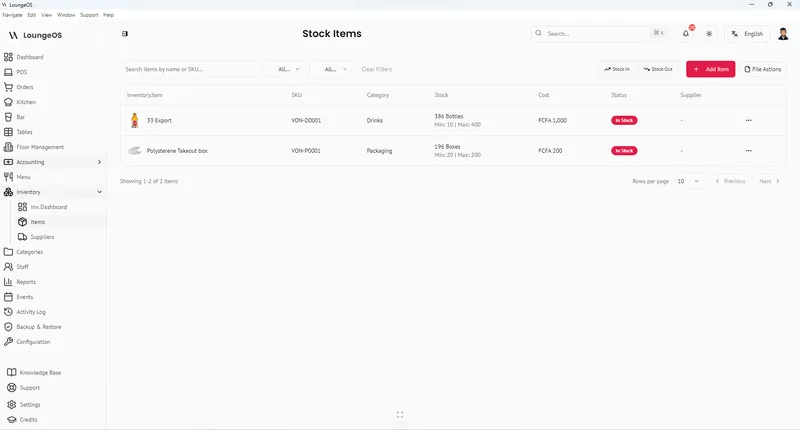
Bar inventory shrinkage and pour cost
Formulas, benchmarks and a weekly count routine to find and stop bar losses.
Read guide →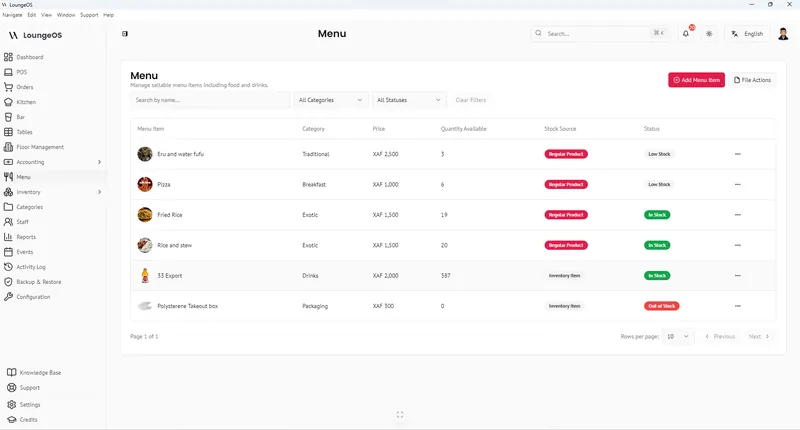
Food cost percentage: formula and benchmarks
Calculate food cost and plate cost, compare benchmarks and lower yours.
Read guide →