In this guide
A restaurant point of sale (POS) system is the cash register, order pad and ticket printer of your business. In a modern venue it’s also the stock book, staff manager and accounting source. You’ll use it every hour you’re open, so a bad choice hurts every day.
This checklist is written for independent restaurants, bars, lounges and hotels choosing their first proper POS or replacing one that doesn’t work.
Step 1: Map your service before you look at software
Write down, on one page:
- Venue type and size: tables, seats, floors, bar counter, takeaway
- Peak hour: how many orders and payments in the busiest hour
- Stations: where food and drinks are prepared
- Staff: number of waiters, cashiers, cooks, bartenders and managers per shift
- Payment mix: cash, card, mobile money, bank transfer, as rough percentages
- Connectivity: how often internet and power fail
- Your biggest leak: stock, cash, slow service, wrong orders
This page is your filter. A POS that’s brilliant at online ordering is irrelevant if 70% of your revenue is cash at tables.
Step 2: The 12 questions to ask every vendor
Operations
- What happens when the internet goes down? Ask for the documentation, not a sales answer. Can you close bills, refund, see stock and run reports offline? Are there time limits? See best offline POS systems.
- How do orders reach the kitchen and bar? Automatic routing to separate screens or printers? Notes and modifiers?
- Does it handle tables properly? Floors, sections, table status, split and merge bills?
- How fast is ordering on a phone? Time a waiter entering a five-item order.
Control
- What roles and permissions exist? Can you stop waiters from deleting items after sending? Can you require a manager for splits and voids?
- Is there an activity log? Does every cancellation need a reason? Can you search by user and time?
- How is stock tracked? Can you record damage, waste and theft separately? Is there stock valuation?
Money
- Which payment methods can it record? Cash with change, cards, mobile money with references, split payments?
- Does it take a percentage of sales? Many POS providers make money on card processing. Ask what you pay per transaction.
- Can you get a P&L? Or will your accountant rebuild everything from exports?
Commercial
- What’s the full price for my setup? Per location, per device, per KDS screen, add-ons, hardware, installation, training.
- Can I leave easily? Contract length, cancellation terms, data export format.
Step 3: Calculate 3-year total cost of ownership
Subscription price is the number vendors advertise. Total cost is what you pay. Use this formula:
3-year TCO = (monthly software + per-device fees + add-ons) × 36 + hardware + installation + (card volume × processing margin × 3 years) + estimated downtime losses
Worked example: 15-table restaurant, 2 terminals, 4 waiter phones, 1 kitchen screen
| Cost item | Cloud POS (typical) | Offline-first, flat price |
|---|---|---|
| Software | $69/month | $39/month (yearly plan) |
| Extra devices and KDS | Often $30–40 per extra device per month | Included |
| Hardware | Often $500–2,500 per terminal | Existing phones + a low-cost tablet |
| Card processing | Provider’s rate, e.g. about 2.5–2.6% + $0.10–0.15 per in-person card payment in the US | Your existing bank or terminal, no POS margin |
| Downtime | Depends on offline mode | Minimal with UPS |
The cloud figures are typical published ranges for US-market products in 2026 and vary by vendor and country. Plug in real quotes. What matters is that device fees, hardware and card fees often cost more than the headline subscription.
Step 4: Watch for these red flags
- Per-device or per-terminal fees. They punish you for adding waiters’ phones, which is exactly what speeds up service.
- Long contracts with early termination fees, especially when bundled with hardware financing.
- Processing lock-in. You can only use the vendor’s card processing.
- Proprietary hardware that’s hard to replace locally.
- No data export. Your sales history and stock data should be exportable as CSV or PDF.
- “Offline mode” with no documentation. If they can’t show you the limits in writing, test them yourself.
- Shared logins. If the system makes personal logins inconvenient, accountability disappears.
Step 5: Run a real two-week trial
Week 1: setup and training
- Enter your real menu with categories, prices, photos and variations
- Set up your floors, tables and staff accounts with the right roles
- Train each role for 15–20 minutes on their own device
Week 2: live service
- Run real service on quiet days first
- Do the unplug test: disconnect the internet during service and try every task
- At closing, check that the report matches the cash drawer and mobile money wallet
- Ask staff what slowed them down
At the end, answer three questions: did service get faster, did you see things you couldn’t see before, and does closing take less time? If yes to all three, you’ve found your POS.
What LoungeOS was designed for
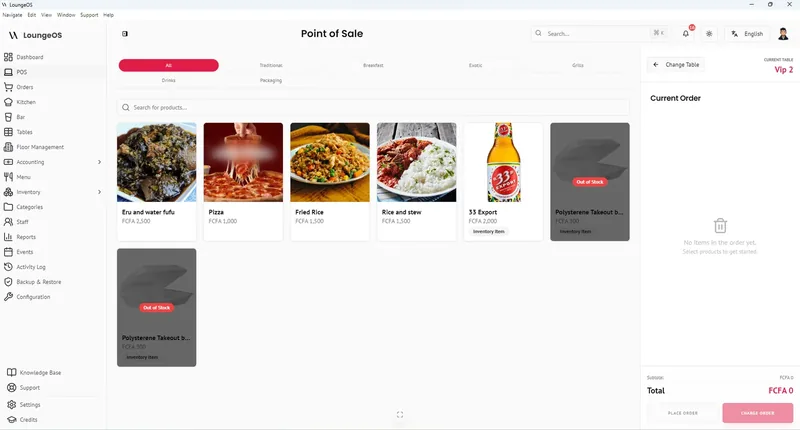
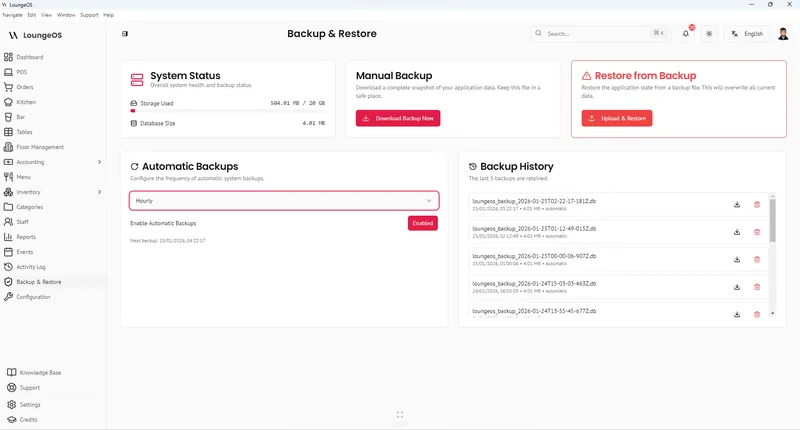
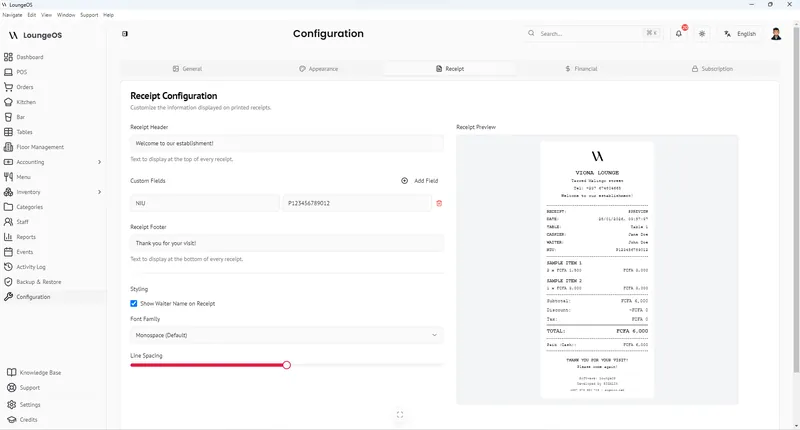
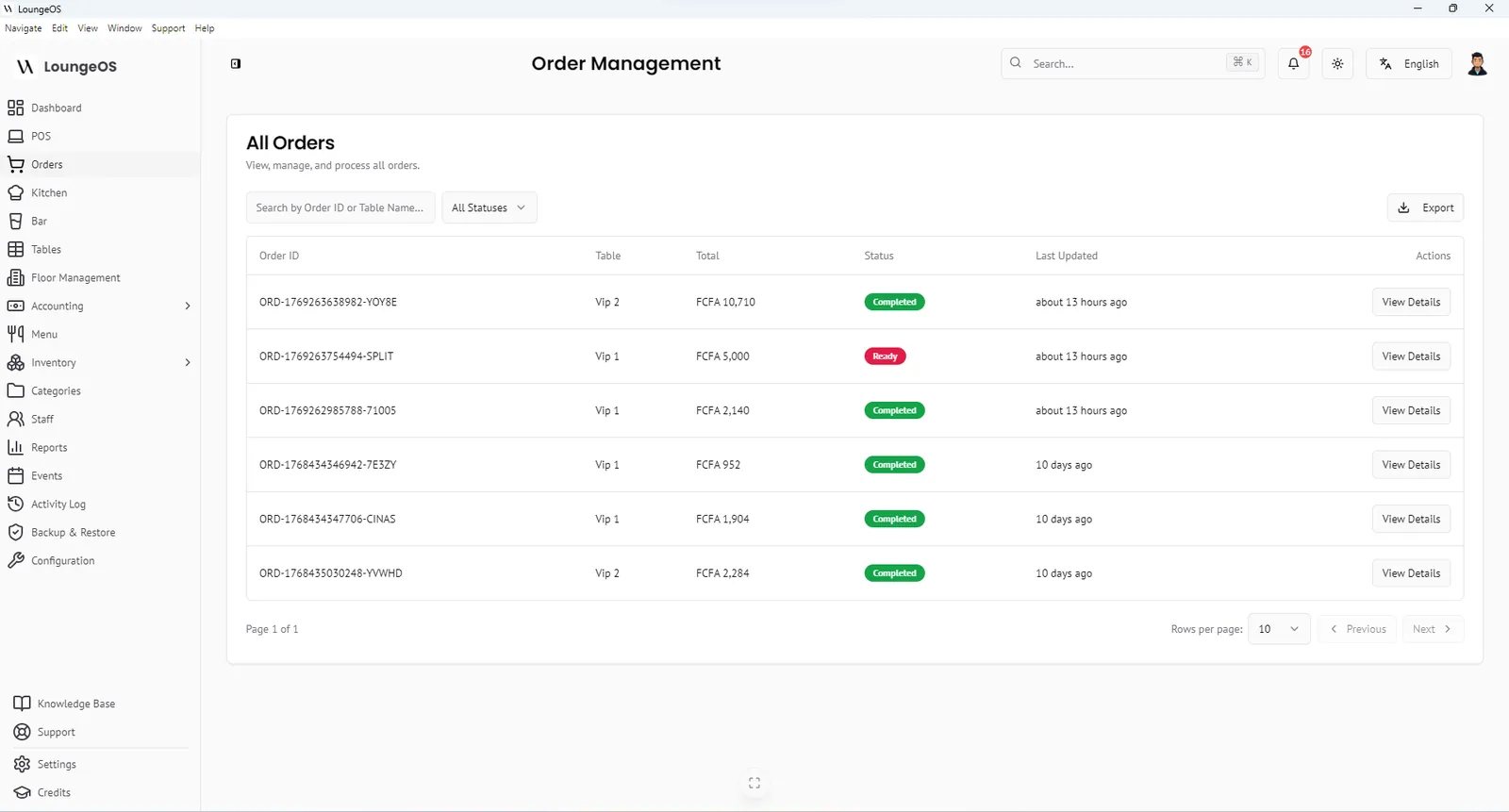
We built LoungeOS for venues where the internet is unreliable, cash and mobile money dominate, and stock and cash control matter. It runs offline-first, has eight staff roles and an activity log, separate kitchen and bar displays, inventory and accounting, with unlimited devices on a flat regional price. It doesn’t process cards itself or integrate with delivery apps. If those are critical for you, factor that in.
Run your next service on LoungeOS
Install LoungeOS on a Windows computer, connect your tablets and phones over Wi-Fi, and run real service for 30 days. Free, no credit card.
Frequently asked questions
What is the most important feature in a restaurant POS?
It depends on your biggest risk. For venues with unreliable internet, true offline operation matters most. For cash-heavy venues, staff permissions and an activity log protect revenue. For card-heavy venues, payment integration and fees matter most.
How much should a restaurant POS cost?
Published restaurant plans range from free to over $300 a month per location, plus device fees, hardware and processing. In African markets, subscriptions are commonly quoted between about 10,000 and 40,000 FCFA a month. Compare 3-year total cost, not the monthly price.
Do I need special POS hardware?
Not necessarily. Many modern systems, including LoungeOS, run on ordinary phones, tablets and computers. A thermal receipt printer and a tablet for the kitchen are the most common additions. See our hardware guide.
How long does it take to switch POS systems?
Setup usually takes a day or two of data entry. Plan one week of training and parallel running, then switch on a quiet day after a full stock count.